

The is one of the films opening shots, this scene needs to have the same smoke and grit effects as the other shot I worked on. I’ll see what other dynamics I can do, but first things first- smoke and grit for the wheels.
The is one of the films opening shots, this scene needs to have the same smoke and grit effects as the other shot I worked on. I’ll see what other dynamics I can do, but first things first- smoke and grit for the wheels.

Here’s another test, the girl falls disturbing the floor causing rising smoke, here the smoke emitter is animated.
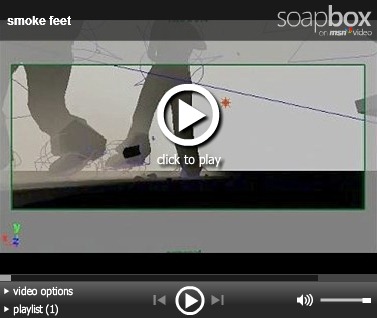

I’ve been playing about with the smoke and figured out how to control it based on movement. Some keying is still needed but is minimal, here is smoke being created by movement of feet on the ground. Also, I’ve included another video which includes key framed dynamics on dirt particles which were made in a similar way to the ones in the previous scene with the car. When the men jump of the car Moe said that he wants there to be lots of debris as it helps highlight the influence the men are having on the previously peaceful environment. This scene stresses the CPU a bit, so for now, there is no floor for the girt to react with… the grit simply falls though the floor and disappears to help CPU time.

Here’s the test render of the effects. The camera angle is new only to check that everything is working correctly… I’ll be using this setup to add detail to other scenes. The test highlights the the grit in the smoke trails, and the trail the smoke leaves in the air, and the grit thrown on the earth surface. Also, don’t know why youtube make the video blurry. Here’s some screenshots to make up for it.
Took a while, but got the smoke sorted for all 4 wheels and grit for the rear left wheel (you can see grit in the above rendered images). It really does add another dimension to the film and make things look much more real. Below is a video giving you an idea how the smoke is done. So for smoke is finished but the grit needs to be applied to the other wheels. To help with CPU time, the particles disappear after a given period and even then it’s randomised so it doesn’t look obvious when they particles start disappearing.


Found a tutorial on soft bodies, this is useful stuff as there’s a lot of sand that would deform in real life. The advantage of applying a ‘soft body’ along with gravity/drag fields is that characters and objects can deform the environments/terrain. Here’s a test with the car. If It isn’t too hard I’ll add it to the car for this scene so Moe can consider using it. Here’s a tutorial on it: http://www.highend3d.com/maya/tutorials/dynamics_fx/335-3.html though you’ll still need to add a drag field and some more tweaks to get the effect above and with flat surfaces. Above is my test for the car on the ground… I don’t have the sand texture from Moe (I don’t need any textures for dynamics) so i’ve applied my own to better demonstrate what’s going on. Ignore the grit and random objects in the video… I’m still putting all the dynamics together so the scene looks a bit iffy.
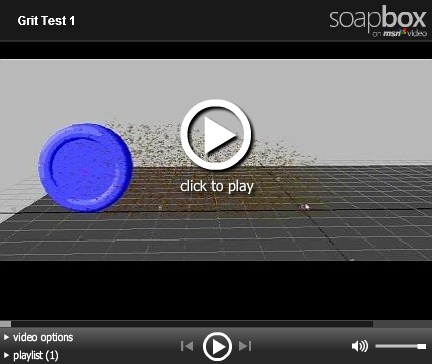
FYY: Youtube doesn’t seem to be accepting my videos at the moment which is why I’m using msn video at the moment.
So I’ve been Working with grit. Dirt/grit will be thrown up when the driver is driving normally but will increase a lot when the car is breaking. The trick is optimising the particles enough that they don’t take up too much CPU resources and don’t slow things down for rendering.


